MobileBiz Pro Plus is a subscription that covers the paid features of the app. The subscription screen lists what's included:
- PDF & Sharing — email and share invoices, statements, and reports as PDF
- Get Paid Faster — late-fee automation, bulk mark-as-paid, and a customer payment portal
- Business Photos — photos on invoices, customers, and expenses, synced across devices
- Expenses & Profit — track business expenses and see your real profit
- Automatic Backup — back up to Google Drive or Dropbox automatically
- QuickBooks & Search — export to QuickBooks/Sheets and unlimited global search
Plus also unlocks printing and sharing thermal receipts. Invoicing, customers, items, and manual backup stay free.
Plans are available weekly, monthly, or annually — see the subscription screen for current pricing in your local currency.
How to Subscribe
-
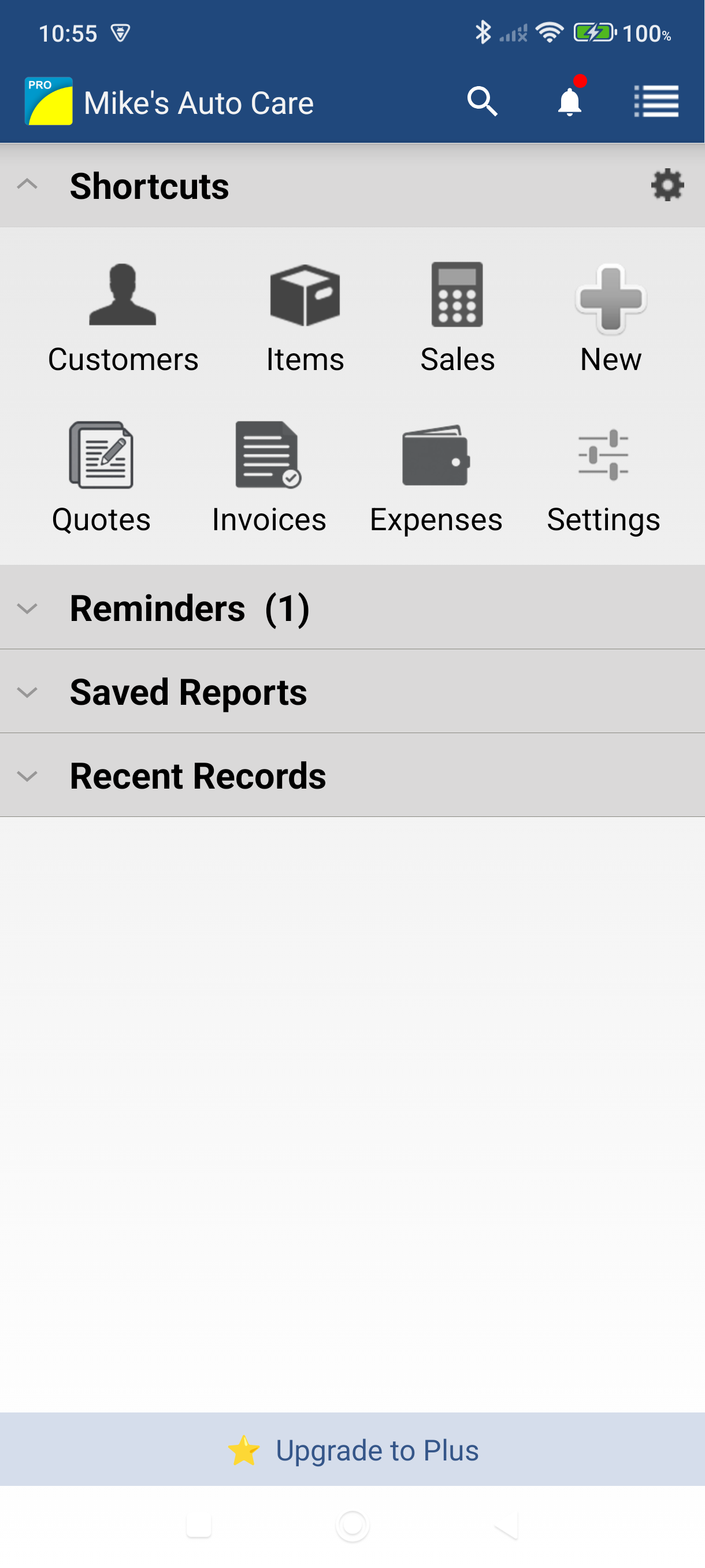
Open the side menu and tap "Subscribe to Plus" — it's the pinned row at the bottom of the menu. You can also go to Settings > Advanced > Subscription.
-
Read what's included — the screen opens on the headline "Upgrade to Plus" and walks through what the subscription covers.
-
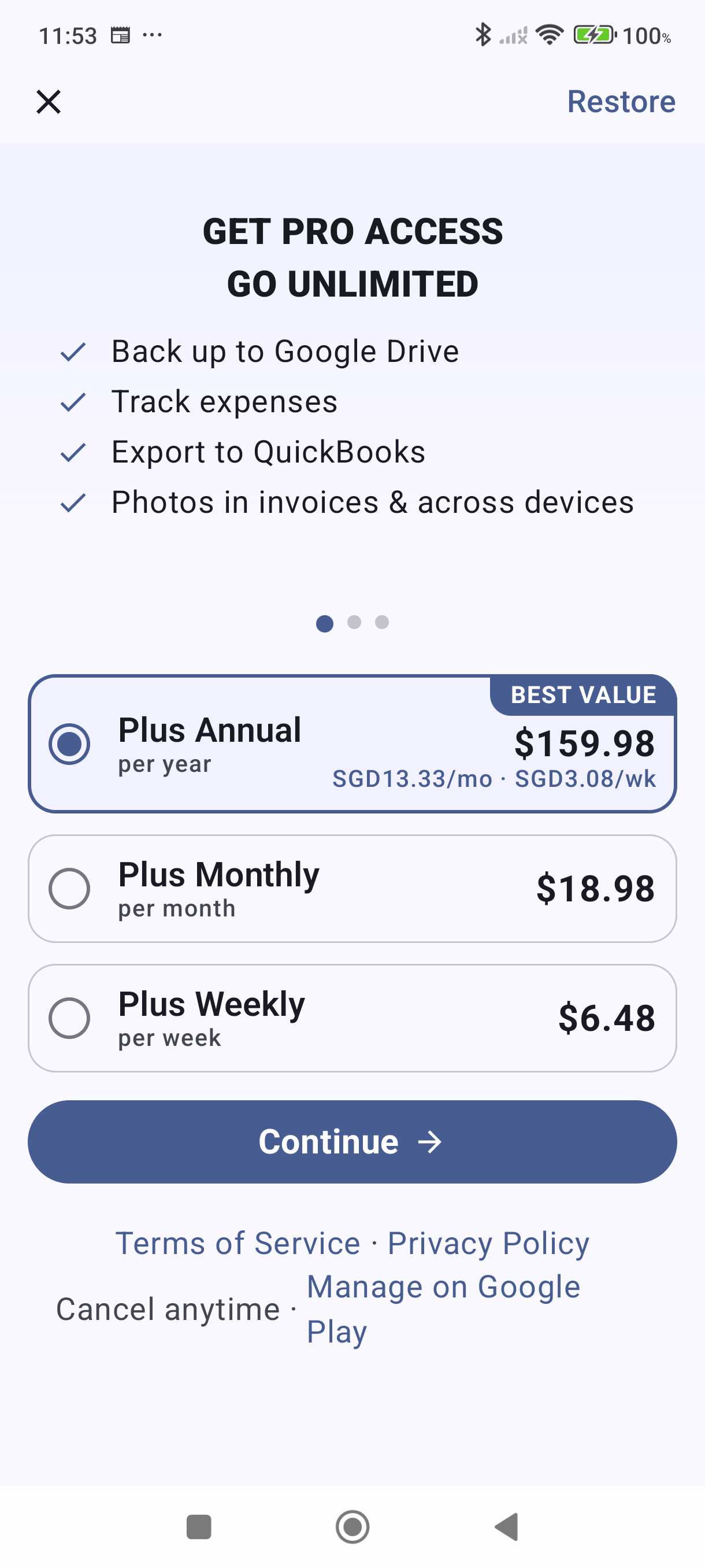
Choose a plan — Plus Annual, Plus Monthly, or Plus Weekly. Pricing is shown in your local currency.
-
Tap Continue — this opens the Google Play checkout. Complete your purchase using your Google account payment method.
-
You're on Plus. Once Google Play confirms the purchase, the Plus features are available right away.
Managing Your Subscription
- Check your status — Once you're subscribed, the bottom of the side menu reads Subscription with a PLUS badge and "Tap to manage".
- Restore a purchase — If you reinstall the app, open the subscription screen and tap Restore (top right) to reactivate your existing subscription.
- Cancel anytime — Go to Google Play Store > Subscriptions > MobileBiz Pro Plus. Your access continues until the end of the current billing period.
- Switch plans — Open the subscription screen and select a different plan. Google Play handles the switch.
Good to Know
- Cancelling your subscription never deletes your data. Photos, expenses, and backups you created while subscribed remain accessible — you just can't add new ones.
- Backing up by hand to Dropbox or Google Drive is free. Automatic backup is part of Plus.
- Your data stays on your device. Photos are also stored securely in MobileBiz cloud for use in PDFs and across devices.
Still stuck? Contact Support for help.